KitElementor Template Kit
Freight
sites, built
box by box.
Shipvora is a set of 22 Elementor templates for freight forwarders, trucking firms, 3PL and warehouse providers, customs brokers, and courier services. Import the templates, then add your own text and photos.
Home pages
Two home pages.
Pick your yard.
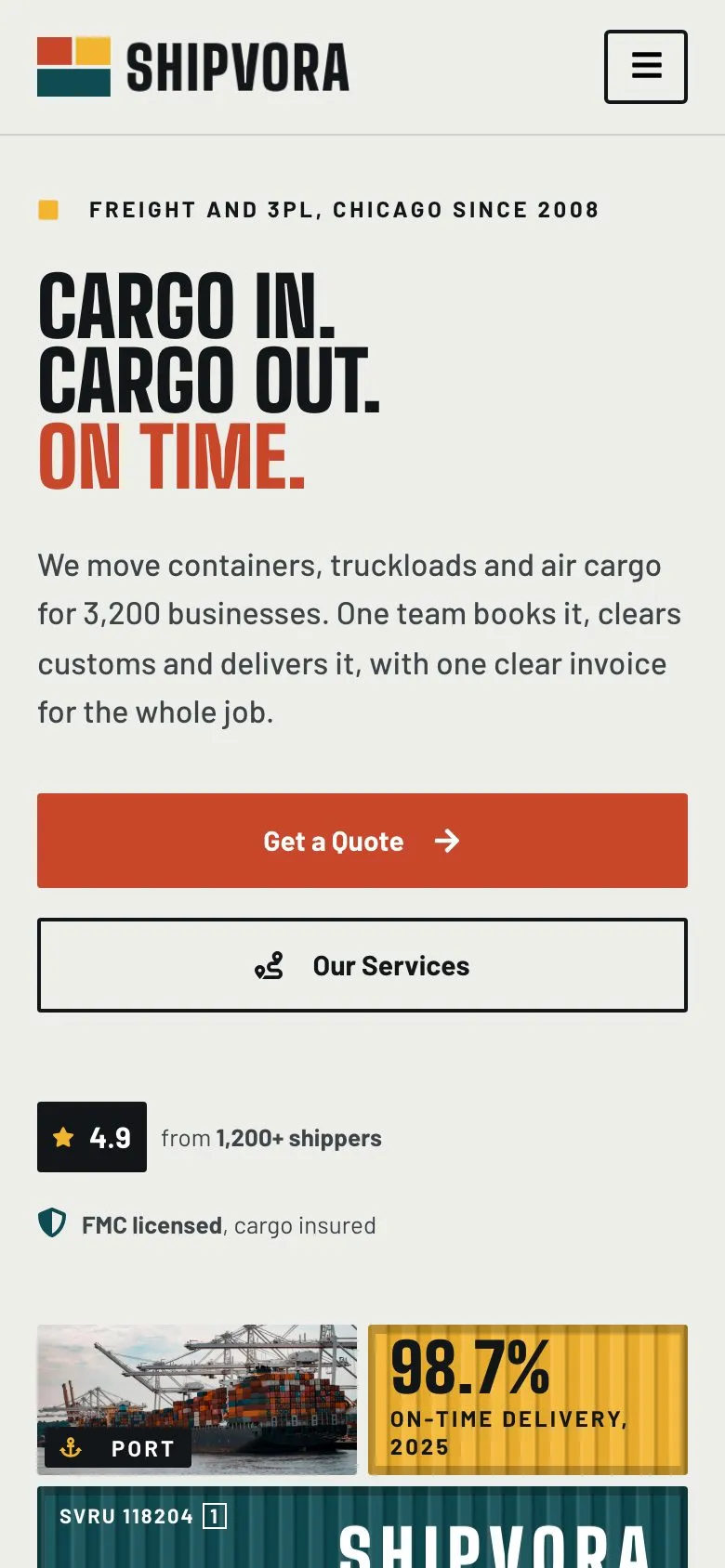
Two layouts with their own first screen and their own order of sections. Both are in the kit. Each one opens on the live demo in a new tab.
- Template: Home
Home 1: Container Yard
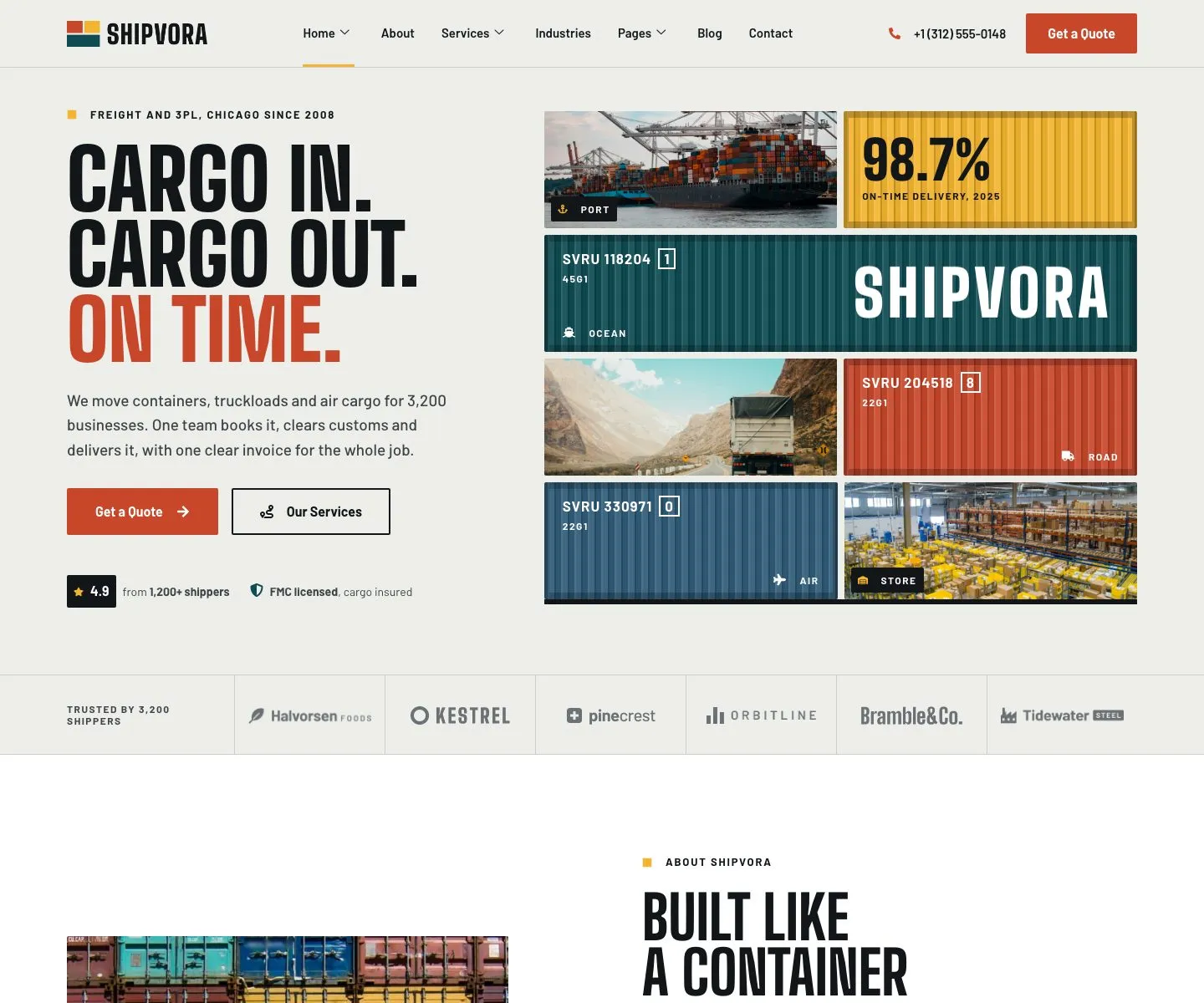
A wall of stacked containers next to a large title. Then client logos, the company plate, numbers, six services, the four steps, container rates, industry tabs, a quote form, the six hubs, reviews, questions, the blog, and a yellow crane banner.
Open Home 1 on the live demo (opens in a new tab) - Template: Home 2
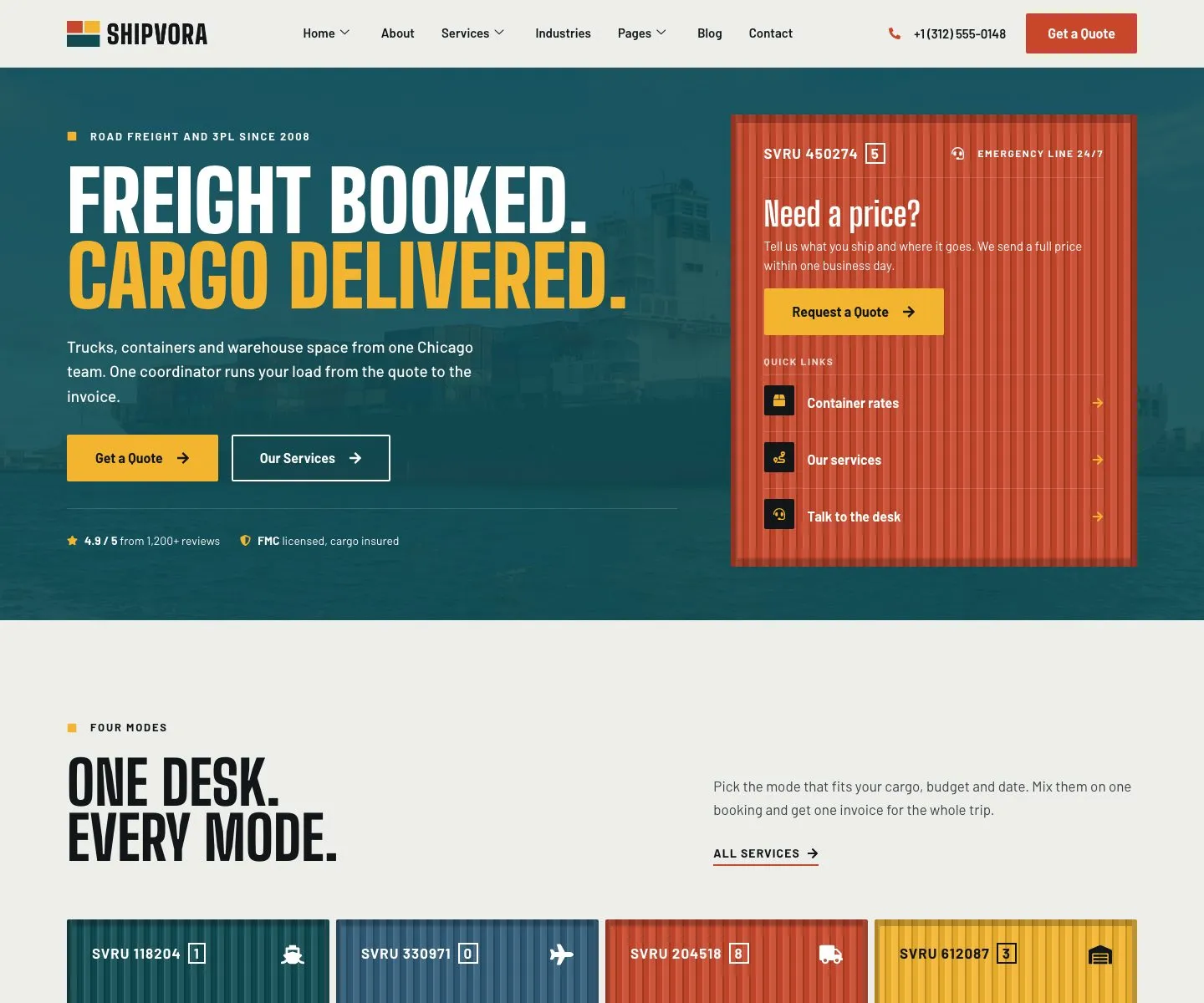
Home 2: Freight Terminal
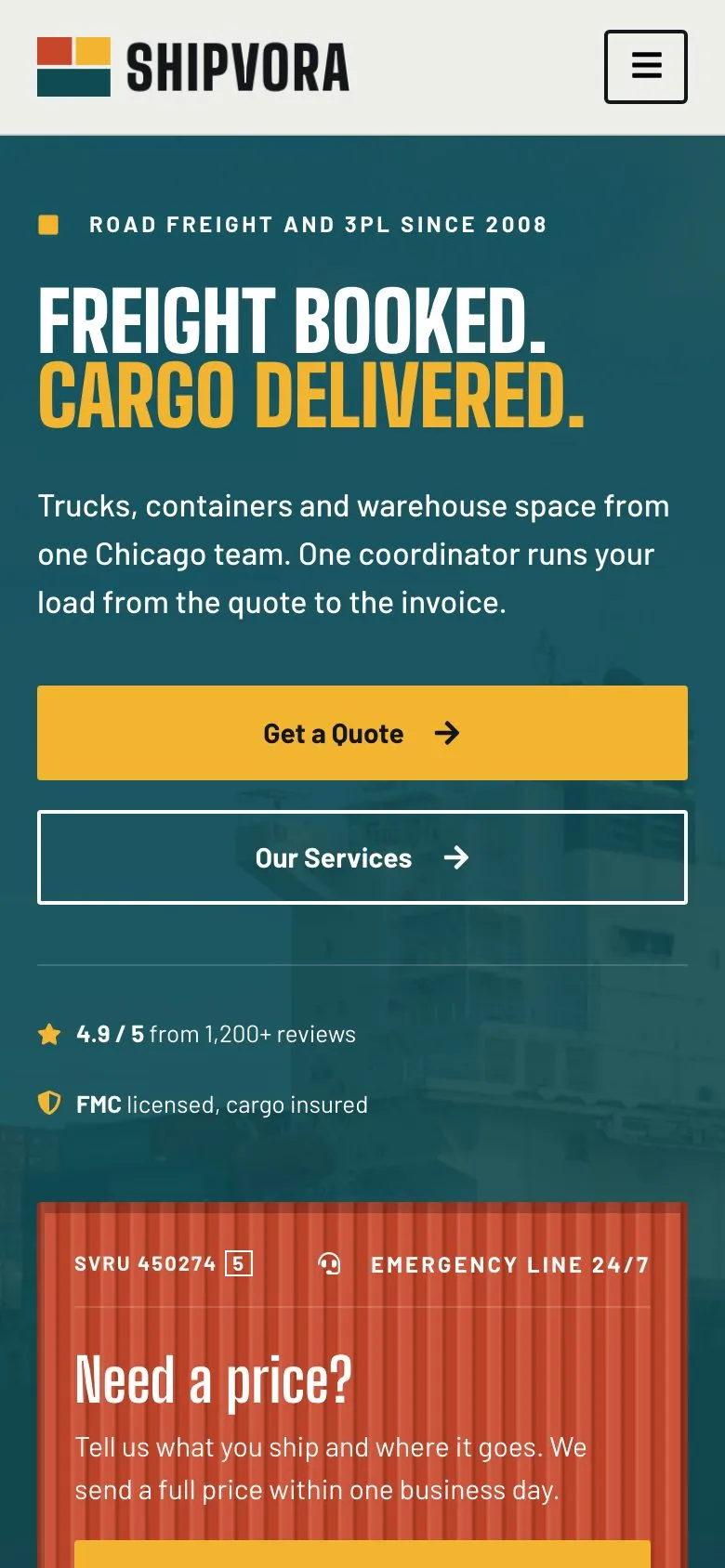
A full-width photo with a quote card like a container door. Then four freight modes, a comparison table, numbers on a photo, a case study, a quote form, reviews, the blog, and a teal banner.
Open Home 2 on the live demo (opens in a new tab)
Inner pages
Every page a
freight company needs.
Services, rates, quotes, hubs, people, and a blog. 14 more templates, each with its own layout. Click a card to open the page on the live demo.
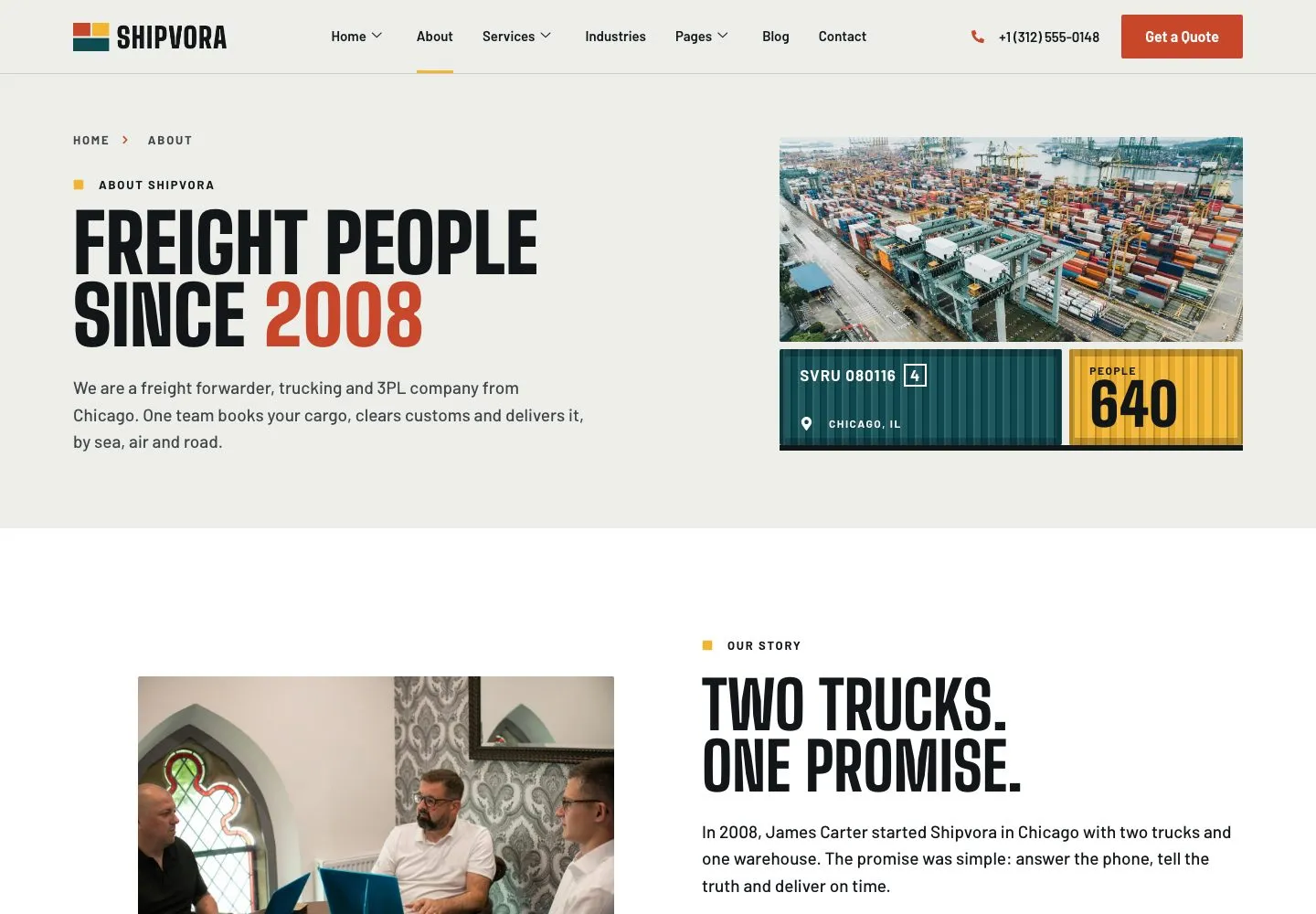
About
The company story, a timeline of the years, four values, numbers, the leaders, and licenses.
View the page on the live demo (opens in a new tab)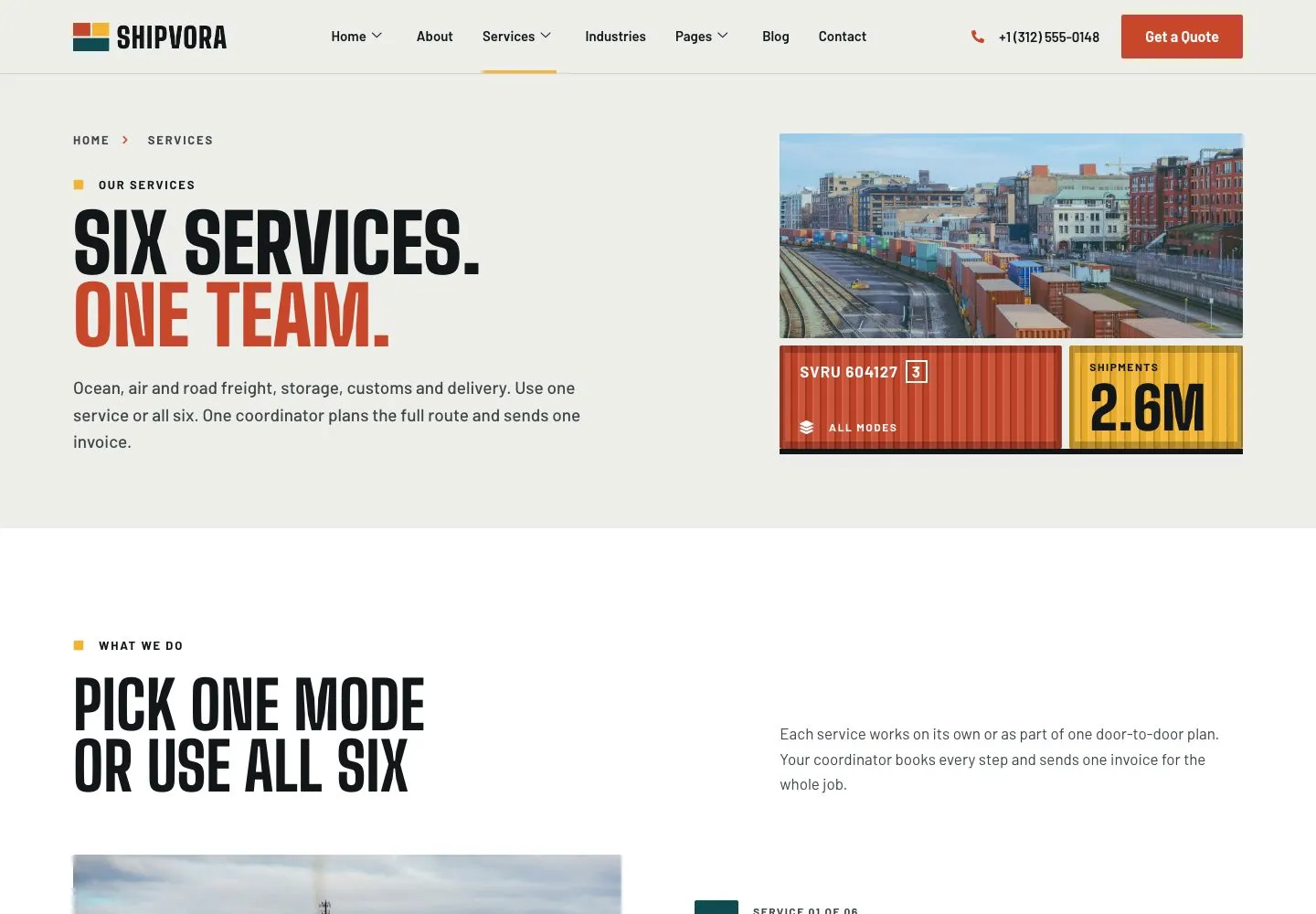
Services
Six services in large rows, add-on services, and the four steps from quote to delivery.
View the page on the live demo (opens in a new tab)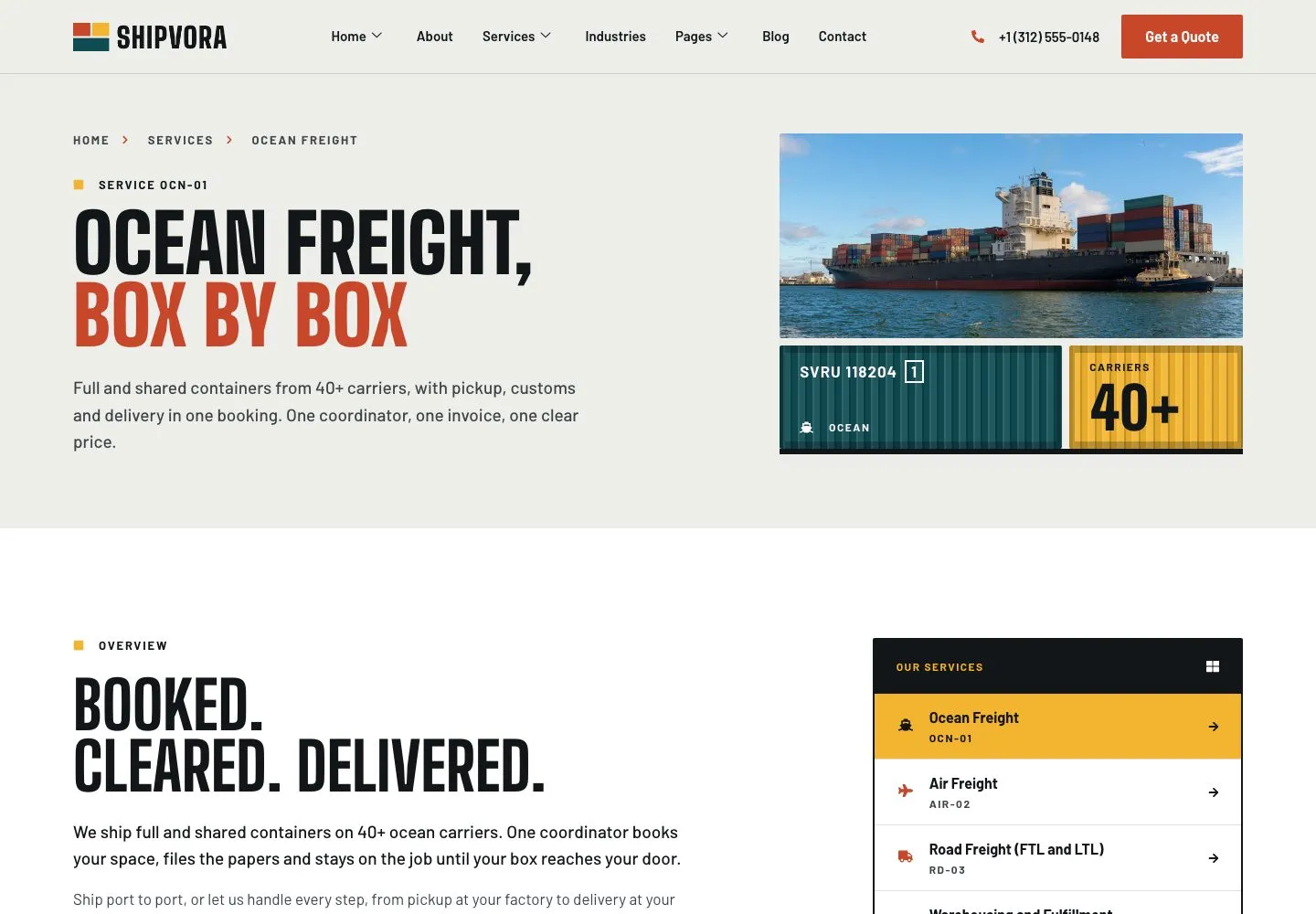
Service Details
One service (Ocean Freight) with a sidebar, container sizes, the ocean steps, questions, and a quote form.
View the page on the live demo (opens in a new tab)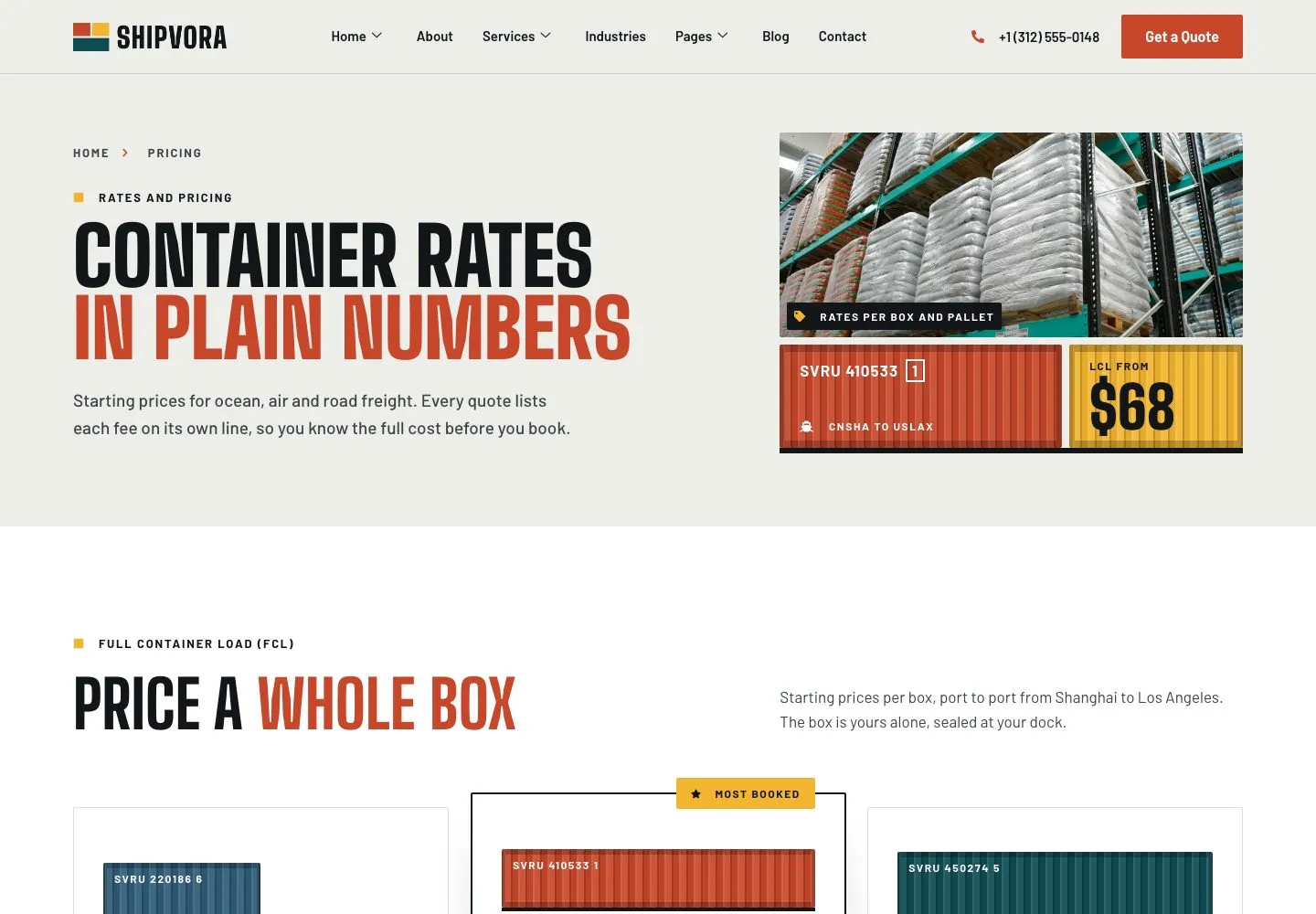
Pricing
Container rates, rates for other modes, what changes the price, and starting prices by route.
View the page on the live demo (opens in a new tab)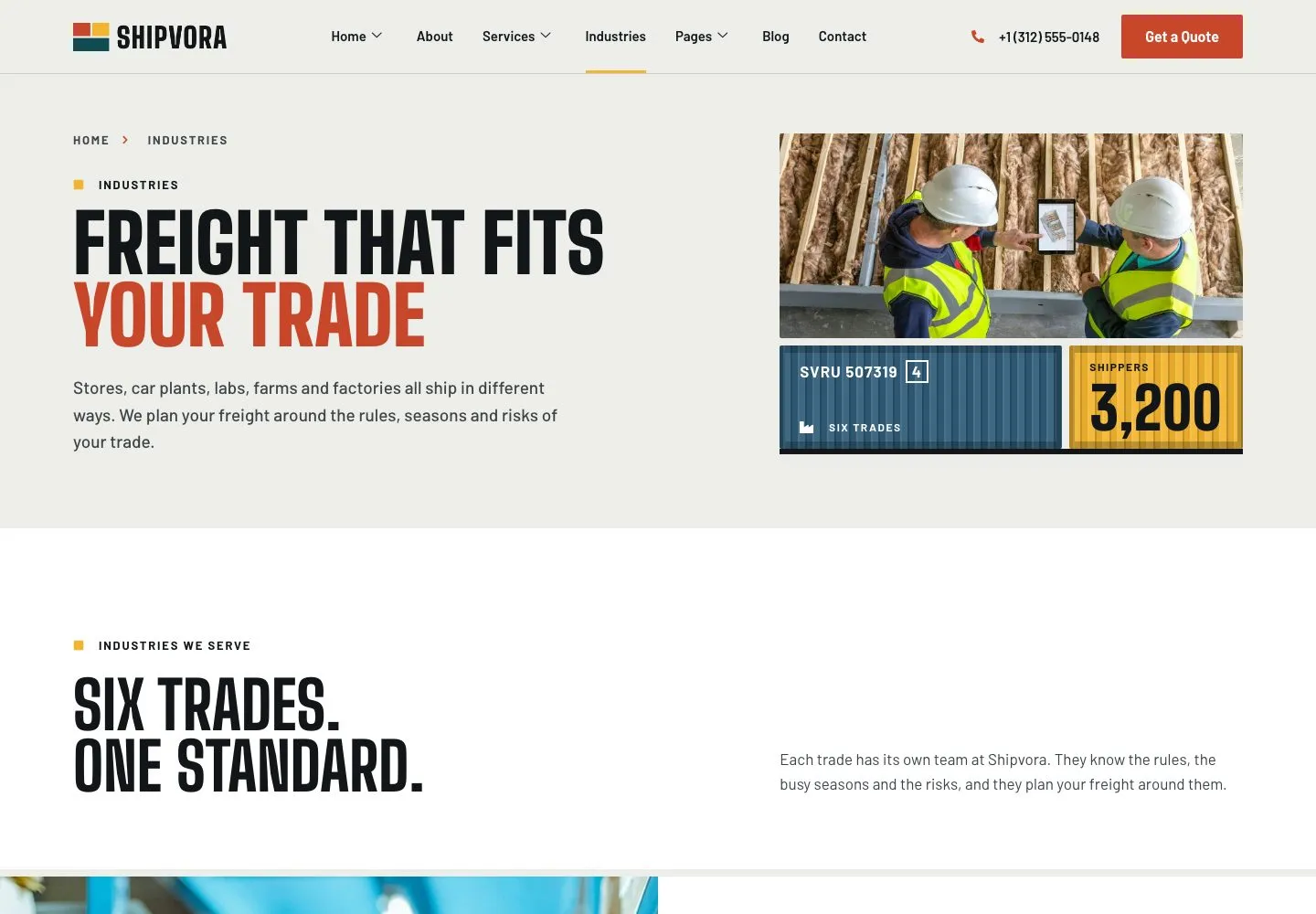
Industries
Six industries in a zigzag, each with a photo, a number, and checks, and a list of other trades.
View the page on the live demo (opens in a new tab)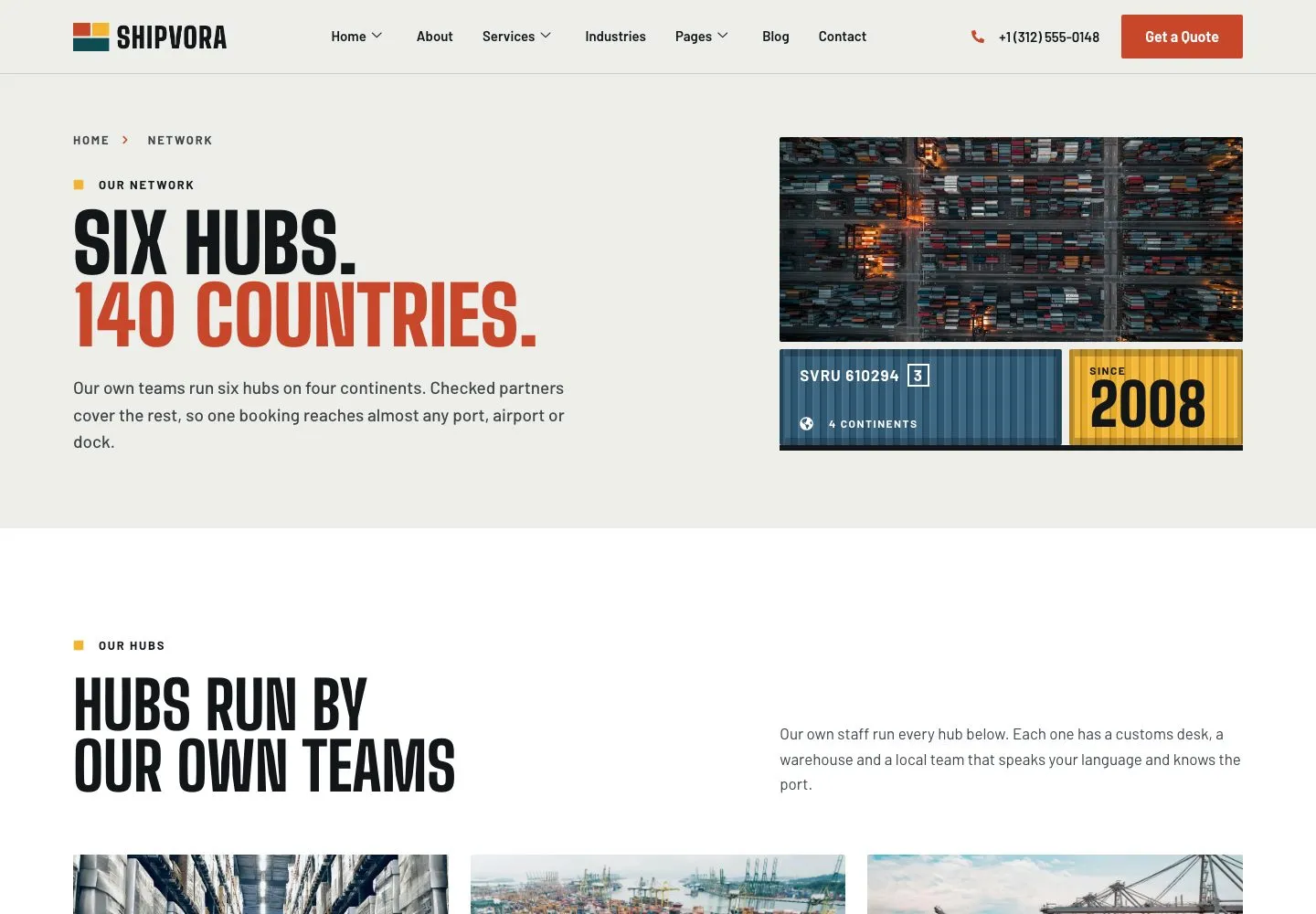
Network
Six hub cards with port codes, popular routes with quote links, and how the partner network is checked.
View the page on the live demo (opens in a new tab)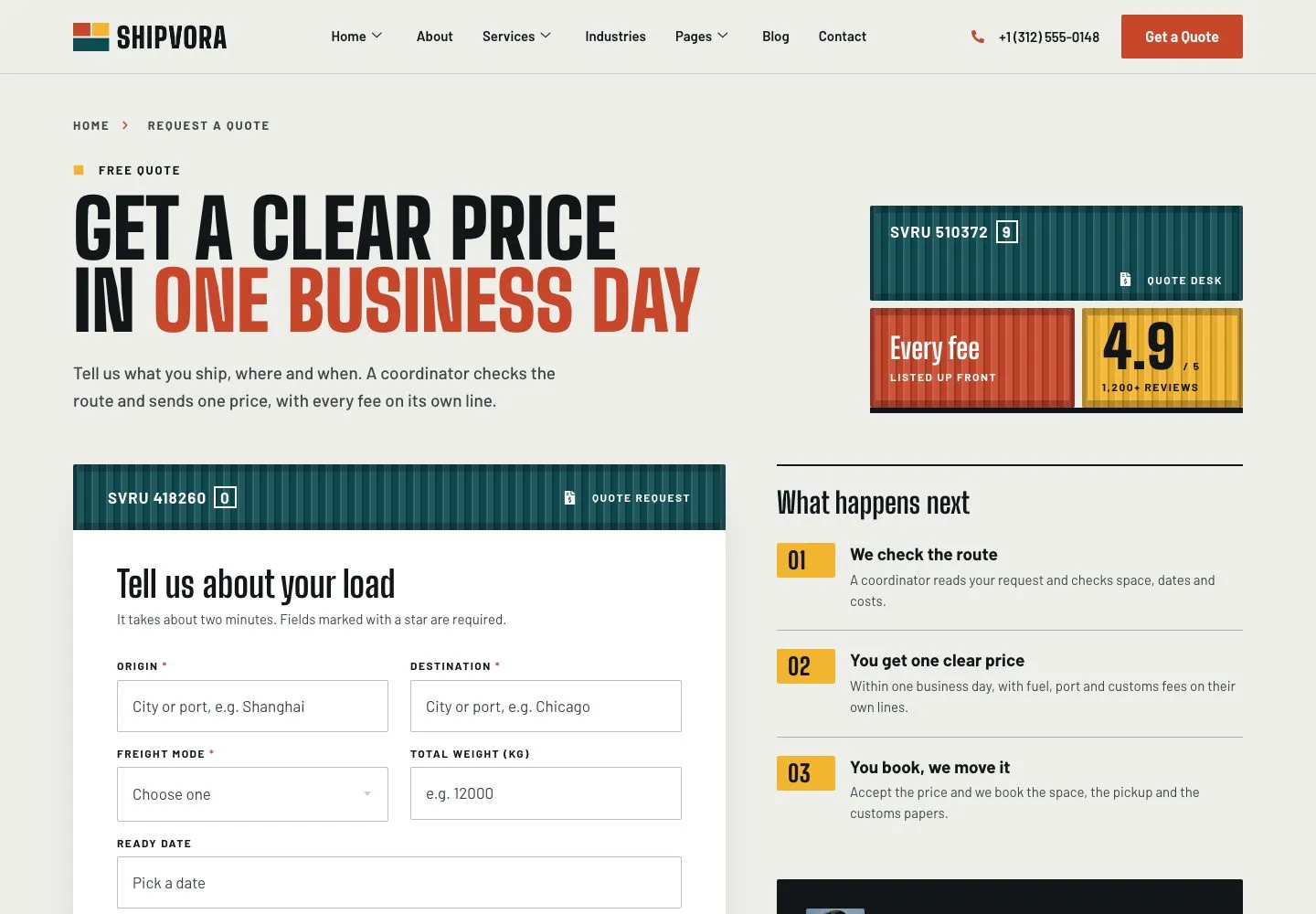
Request a Quote
The quote form next to the next steps, what to send for an exact price, reviews, and questions.
View the page on the live demo (opens in a new tab)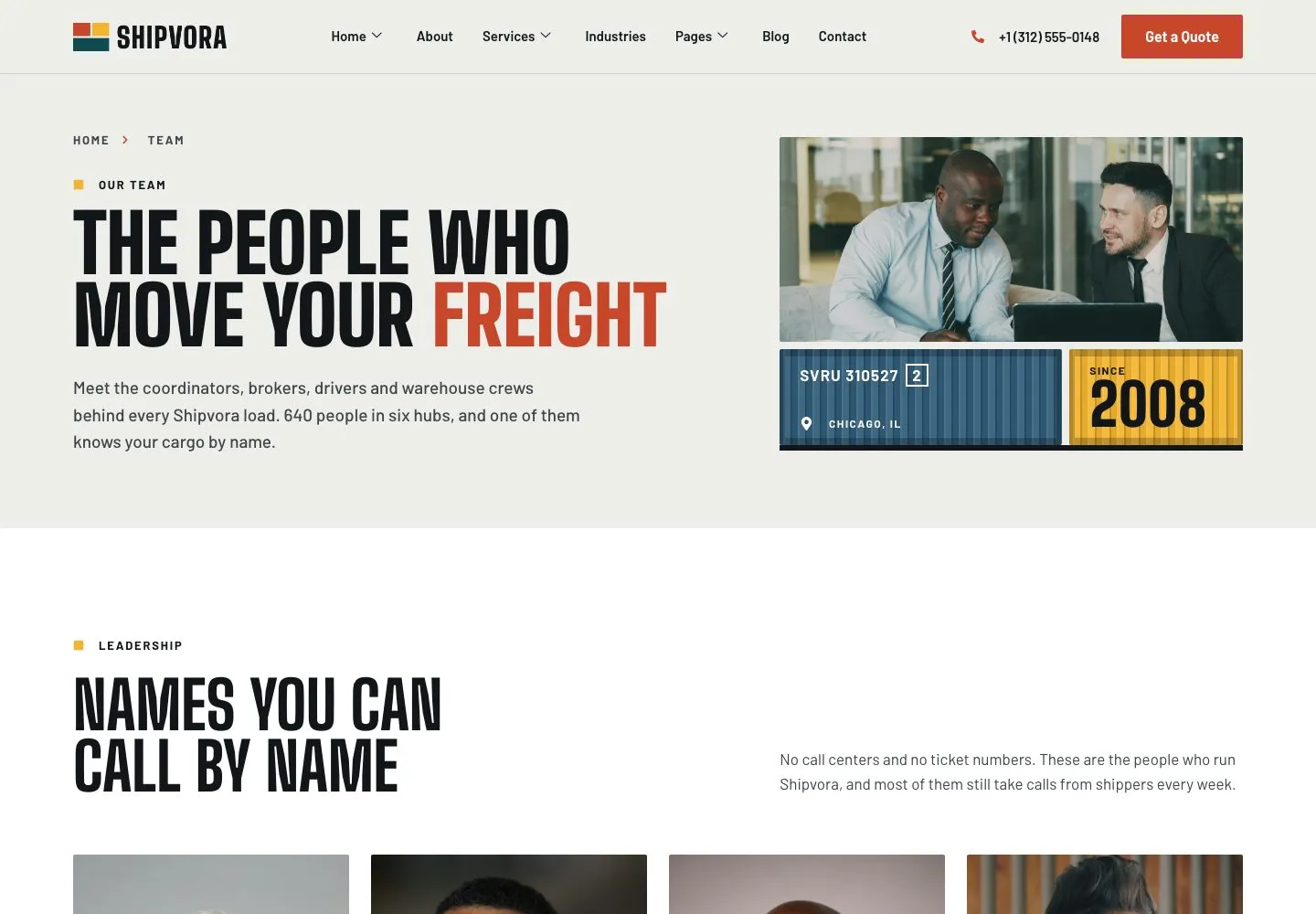
Team
Eight people cards, how your coordinator works, and the team size at each hub.
View the page on the live demo (opens in a new tab)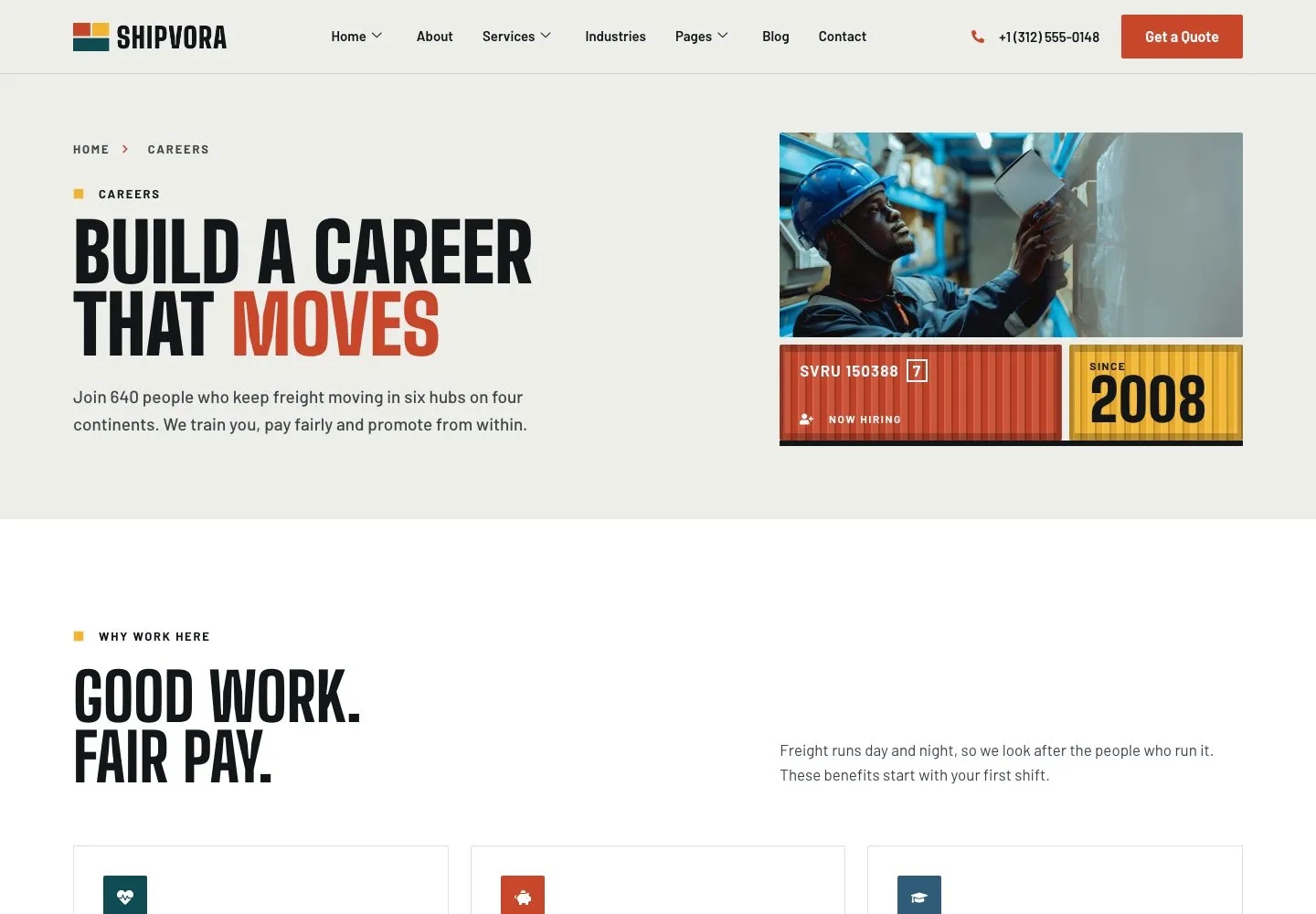
Careers
Benefits, open jobs in a table, the hiring steps, photos, and a form to send your CV.
View the page on the live demo (opens in a new tab)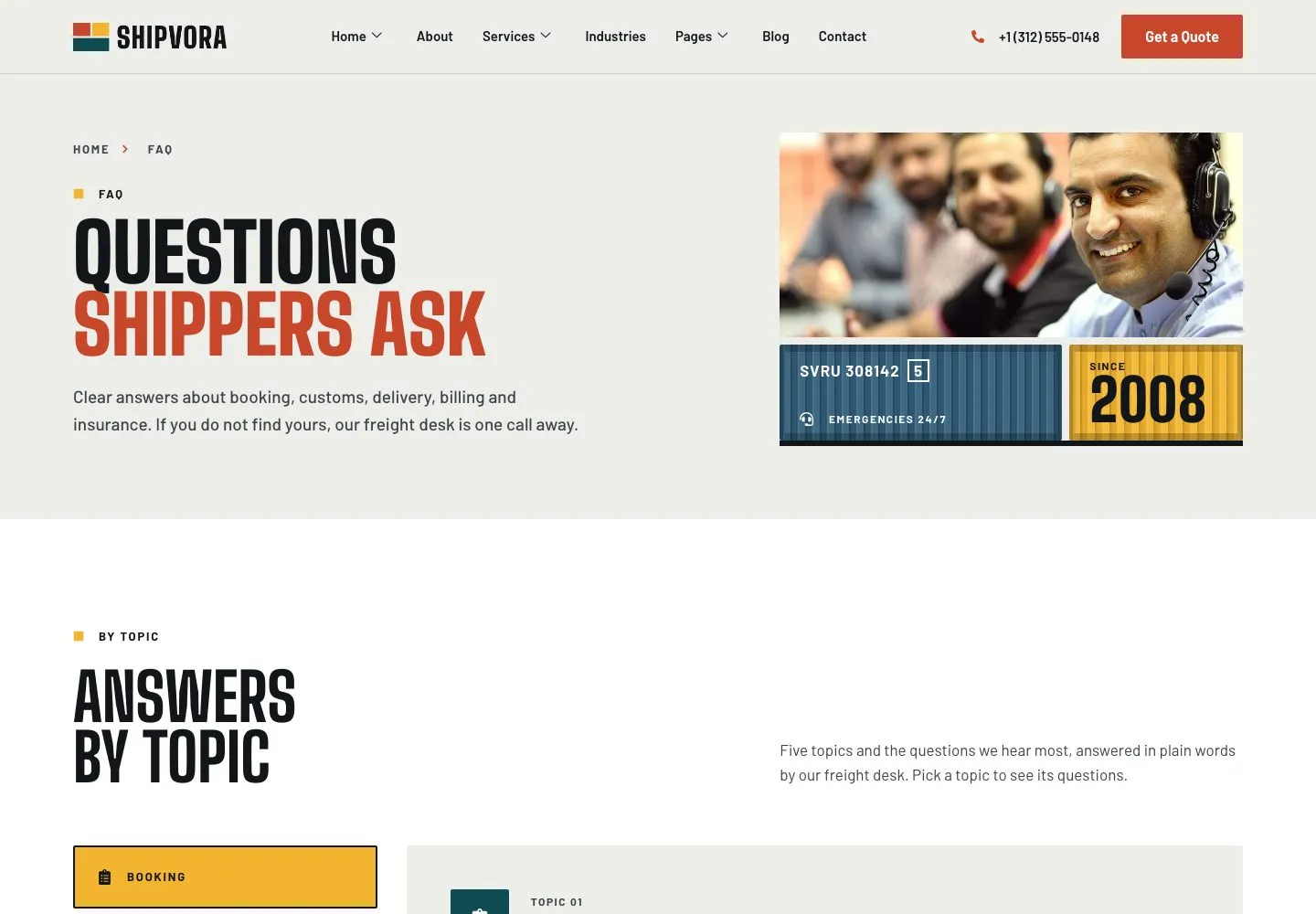
FAQ
Questions in five topic tabs, each with its own accordion, and three ways to get in touch.
View the page on the live demo (opens in a new tab)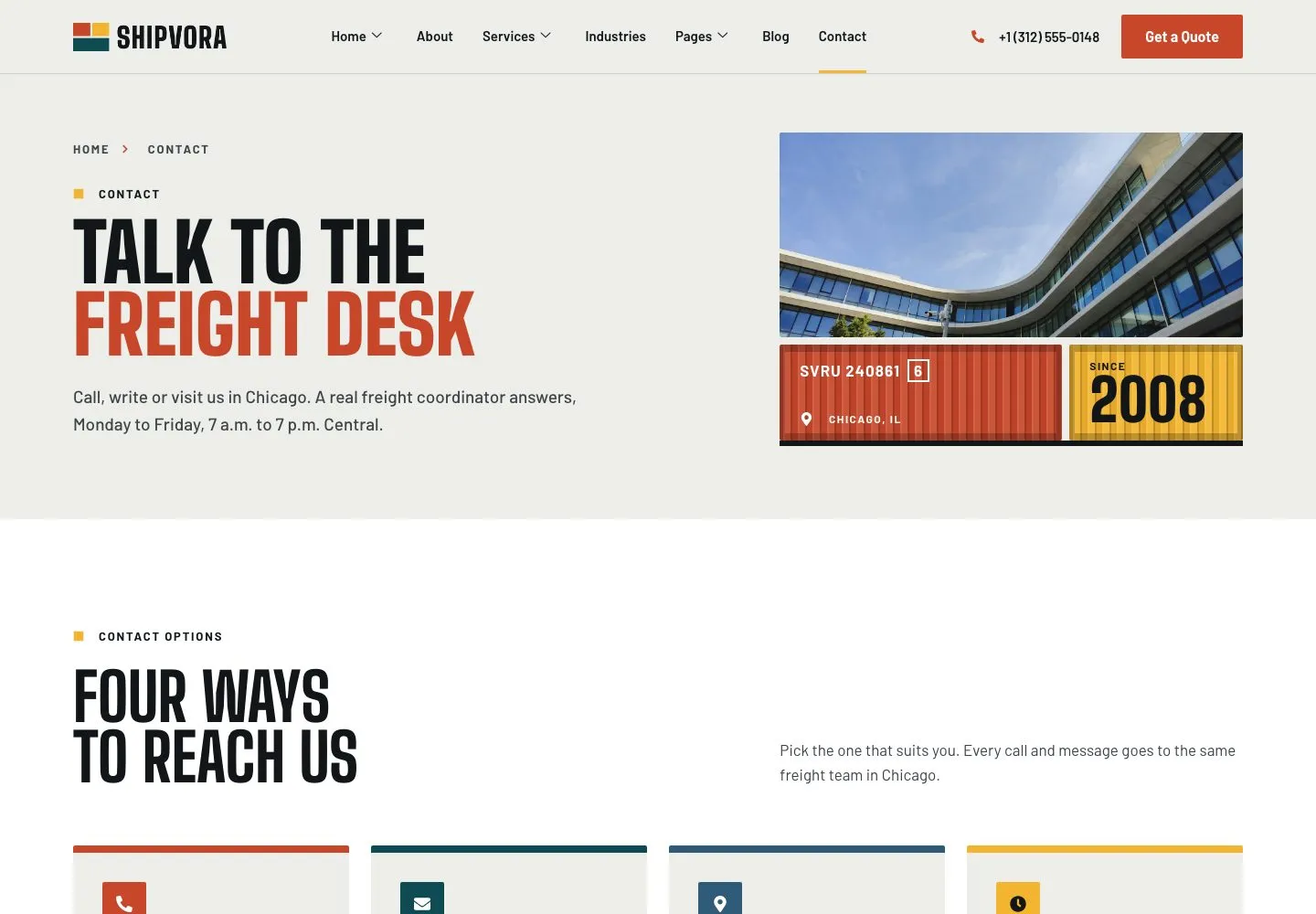
Contact
Four contact cards, the contact form next to a map, and the six hubs with their phone numbers.
View the page on the live demo (opens in a new tab)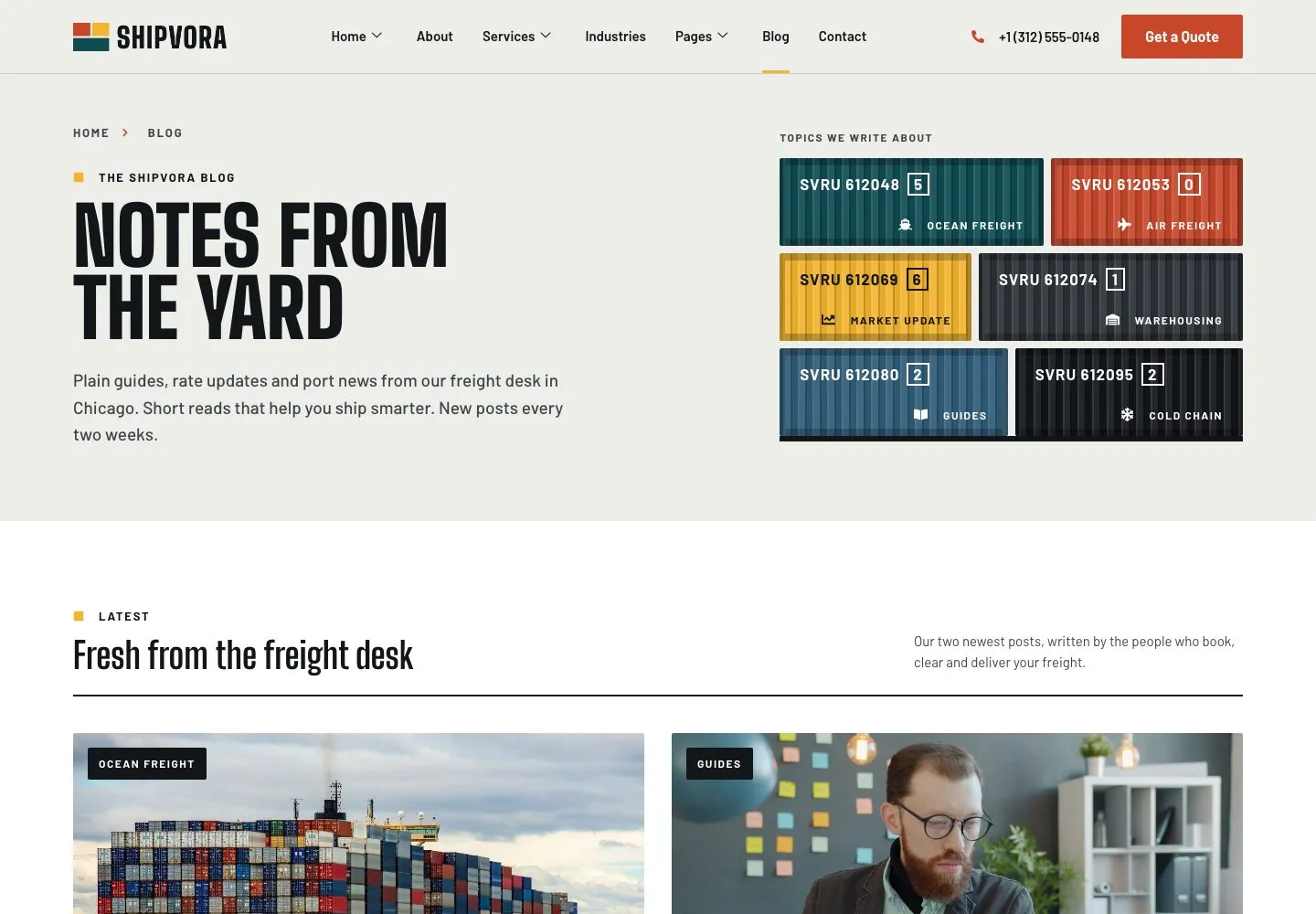
Blog
Your newest posts as two large cards and four small ones, and a newsletter form.
View the page on the live demo (opens in a new tab)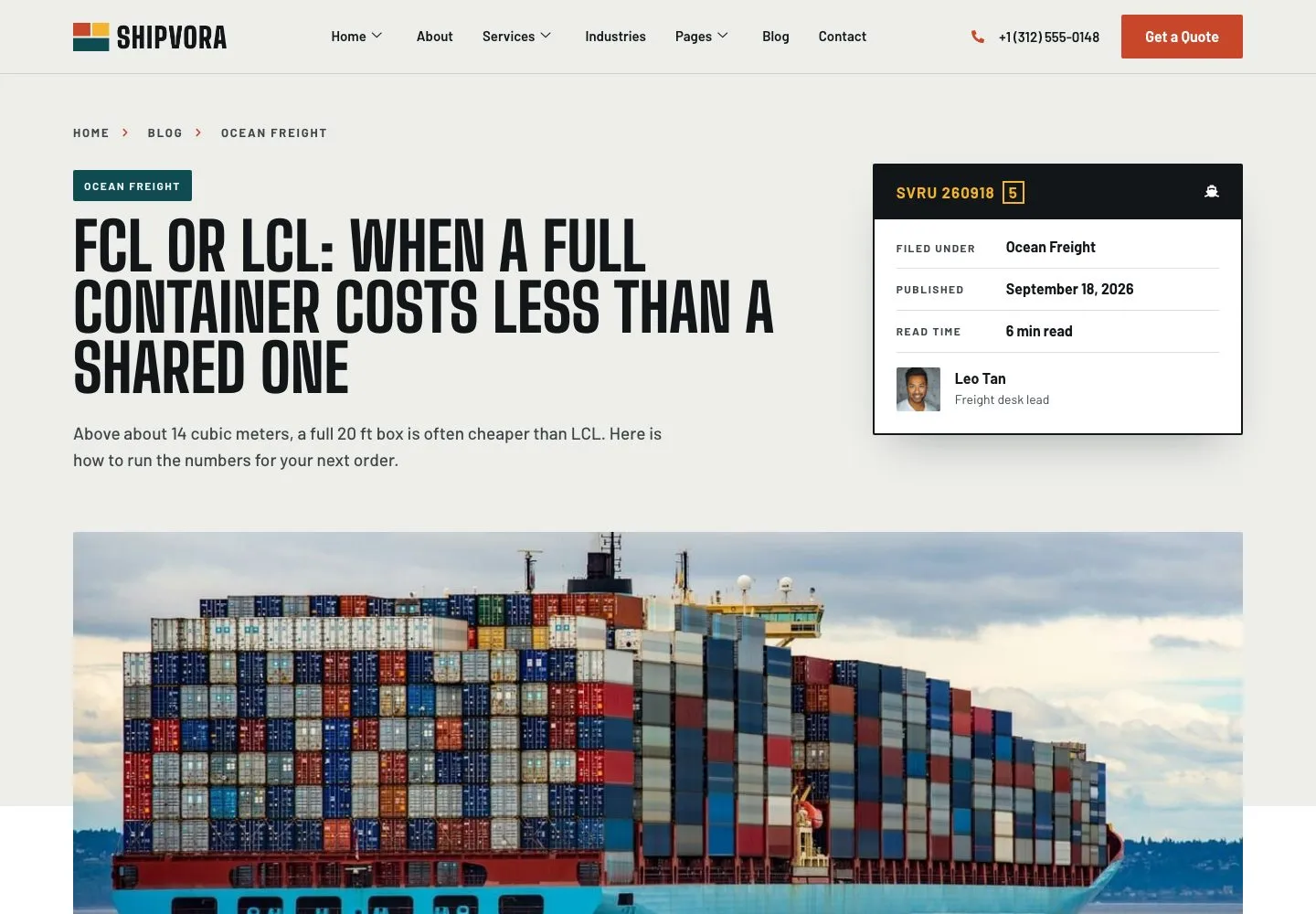
Single Post
One article with its photo, an author box, related posts, and a short banner.
View the page on the live demo (opens in a new tab)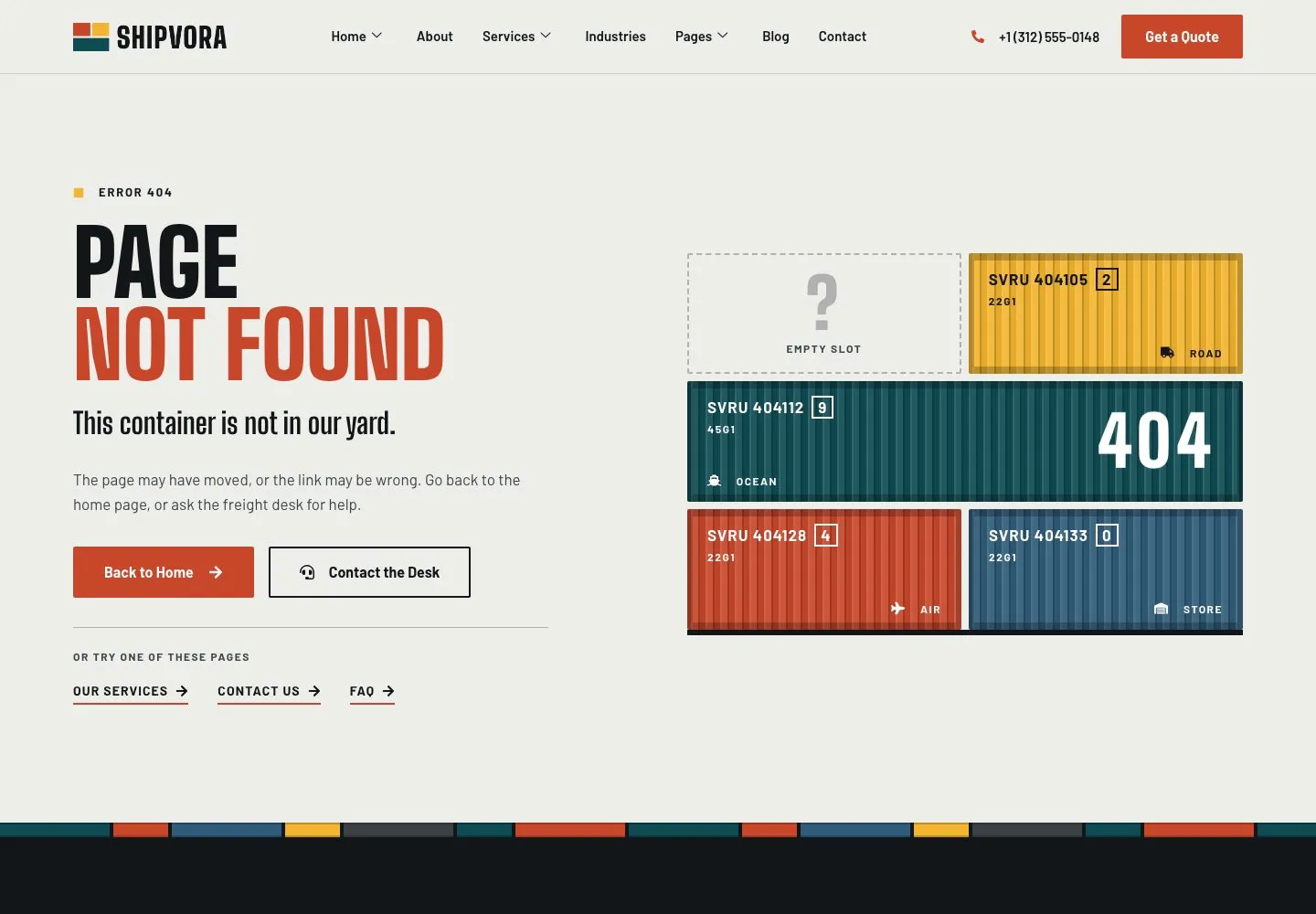
404 Page
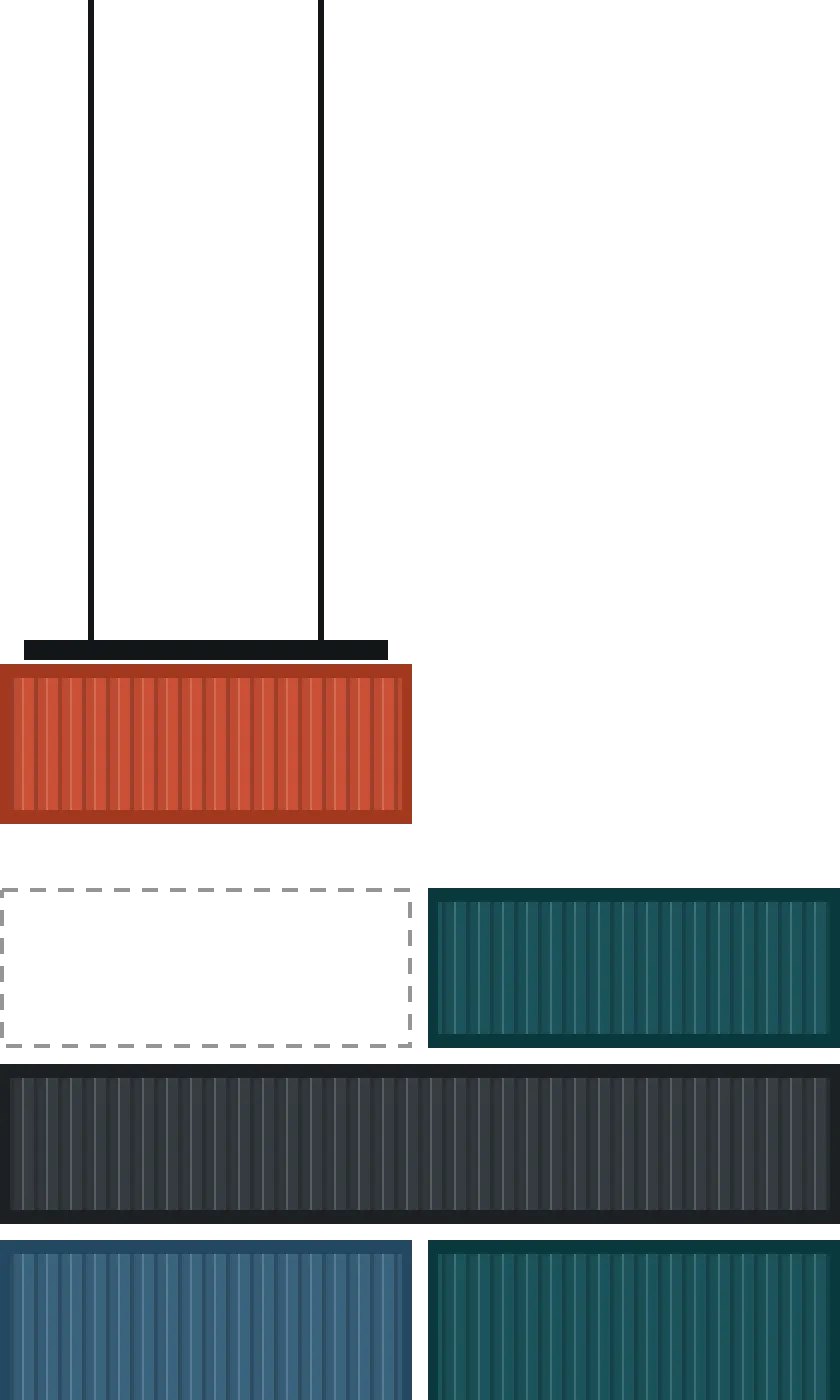
A container stack with one empty slot, and buttons back to the main pages.
View the page on the live demo (opens in a new tab)
The demo company Shipvora, its people, clients, prices, and numbers are made up. Replace them with your own.
Open the demoWhat is included
22 templates.
One kit.
Pages, a header and a footer, three forms, and the Global Kit Styles. You import only the templates you need, one at a time.
Two home page layouts, every page a freight company needs, and templates for the blog and the 404 page.
- Home
- Home 2
- About
- Services
- Service Details
- Pricing
- Industries
- Network
- Request a Quote
- Team
- Careers
- FAQ
- Contact
- Blog
- Single Post
- 404 Page
The site colors and fonts. Change one Global Color, and every element that uses it changes.
- Primary#C8472B
- Secondary#0F4B53
- Accent#F3B52F
- Text#3D4448
- Ink#121619
- Stack Blue#2F5B78
- Graphite#2B3136
- Concrete#EDEEEA
Working forms made with the free MetForm plugin. Each one is its own template, so you can use it on any page.
- Quote FormUsed on: Home, Home 2, Service Details, Request a Quote
- Contact FormUsed on: Contact, Careers
- Newsletter FormUsed on: Footer, Blog
Set them once in ElementsKit, and they show on every page of your site.
- Header with a working mobile menu
- Footer with the newsletter form
Features
Built to
one standard.
Like a shipping container, every template follows the same rules. The same colors, fonts, and spacing on every page, so your site stays easy to change.
Free Elementor is enough
Every template works with the free Elementor plugin. Elementor Pro is not required.
Flexbox Containers
Built with Elementor Flexbox Containers and its classic widgets.
Global Colors and Fonts
Every element uses them, so you can restyle the whole kit in Site Settings.
Working forms
Quote request, contact, and newsletter forms, made with MetForm.
Working menus, tabs, and accordions
A mobile menu, industry tabs, and FAQ accordions that open and close.
Blog lists with your posts
The blog lists show your real posts, with the ElementsKit Blog Posts widget.
Desktop, tablet, and mobile
Every template is designed for all three screen sizes.
The container yard look
Stacked containers, ISO container codes, port codes, and road lines on every page.
Plugins and fonts
Three free plugins.
Two free fonts.
Nothing to buy after the kit. The import installs the plugins for you when you click "Install Requirements".
A Template Kit is not a theme. Use it with any theme that works with Elementor. We recommend the free Hello Elementor theme.
Big Shoulders Display
Tall, narrow capitalsLike the paint on a container
Barlow. Clear and easy to read at every size, from a rate table to a long blog post.
RegularMediumSemi boldBold
How to install
Four steps
to your first page.
You need WordPress, a theme such as Hello Elementor, and the free Template Kit Import plugin. No coding.
- 01
Add the import plugin
In WordPress, install and activate the free Template Kit Import plugin from Plugins > Add New. Do not unzip the kit.
- 02
Upload the kit
Go to Tools > Template Kit and upload the kit ZIP. Then click "Install Requirements" to add the free plugins.
- 03
Import the styles first
Import the Global Kit Styles first, to set the colors and fonts. Then import the templates you need, one at a time.
- 04
Build your pages
Create a page, choose "Elementor Full Width", and insert a template from the "My Templates" tab.
Set up the header and footer
- Import the Header and Footer templates.
- Go to ElementsKit > Header Footer and click "Add New".
- Name it "Header", choose Type: Header and Conditions: Entire Site, turn it on, and save.
- Click "Edit with Elementor", click the gray folder icon, open "My Templates", and insert the Header template.
- In the Nav Menu widget, choose your menu. Save.
- Repeat the same steps for the Footer.
Add the MetForm forms
- Import the three "MetForm" form templates.
- Import a page that has a form, for example Contact, and open it in Elementor.
- Select the MetForm widget in the Navigator and click "Edit Form".
- Choose "New", then "Edit Form". The form builder opens.
- Click the gray folder icon, open "My Templates", choose the matching form (for example "MetForm Contact Form"), and click "Insert".
- Click "Update & Close". The form now shows on the page.
- Repeat for the other forms.
Envato also has a step-by-step guide to installing Template Kits.
Read the Envato guideFAQ
Questions
before you buy
Short answers to the questions we hear most about Template Kits and Shipvora.
Is Shipvora a WordPress theme?
No. Shipvora is an Elementor Template Kit. It has the design data for Elementor only, and you install it with the free Template Kit Import plugin. Use it with a theme that works with Elementor. We recommend the free Hello Elementor theme.
Do I need Elementor Pro?
No. Every template works with the free Elementor plugin. The other two plugins, ElementsKit Lite and MetForm, are free too.
Can I install it under Appearance > Themes?
No. A Template Kit is not a theme, so WordPress shows a "missing style.css" error. Use the Template Kit Import plugin. See How to install.
My import does not look like the demo. What should I check?
Import the Global Kit Styles first. Click "Install Requirements" to install and activate the plugins. Make sure the Flexbox Container feature is active in Elementor > Settings > Features.
Are the images and blog posts included?
The images are licensed for the demo and download from the demo site during import. Blog posts are not part of a Template Kit: the blog list widgets show your own posts.
How do I use the Single Post and 404 templates?
Free Elementor has no Theme Builder, so you insert these two yourself. To use Single Post, edit a post with Elementor, insert the template and replace the text. The demo posts are made this way. Other posts keep your theme's post layout. 404 Page is a page design: free Elementor cannot set it as the real 404 page, so wrong addresses show your theme's 404 page. With Elementor Pro, you can set both in the Theme Builder.
Can I change the colors and fonts?
Yes. All text and colors use the Global Colors and Global Fonts from the Global Kit Styles. Change them in Elementor Site Settings, and the whole kit follows.
Does the kit include shipment tracking or live schedules?
No. Shipvora is a company website with pages and forms. It has no shipment tracking, live schedules, online booking or customer accounts, because those need your own systems. Visitors reach you through the quote and contact forms.
Are the company, people, and numbers in the demo real?
No. Shipvora, its staff, clients, prices, and numbers are made up for the demo. Replace them with your own.
How do I get help?
Support is through ThemeForest after Shipvora is released. See the support page.
Live demo
Ready to see
it live?
Open the demo and click through both home pages and every inner page. Then pick the ones you need.